Every feature, in plain English.
Here’s what Upsocial actually does.
Content and planning
- Content cards — One card per post holds the caption, creative, platform, owner, status, and date.
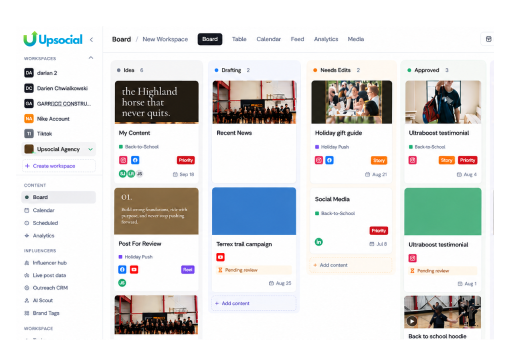
- Board view — Kanban-style columns from idea to posted. Drag cards as work progresses.
- Table view — Your whole content library, sortable and filterable like a spreadsheet that doesn’t break.
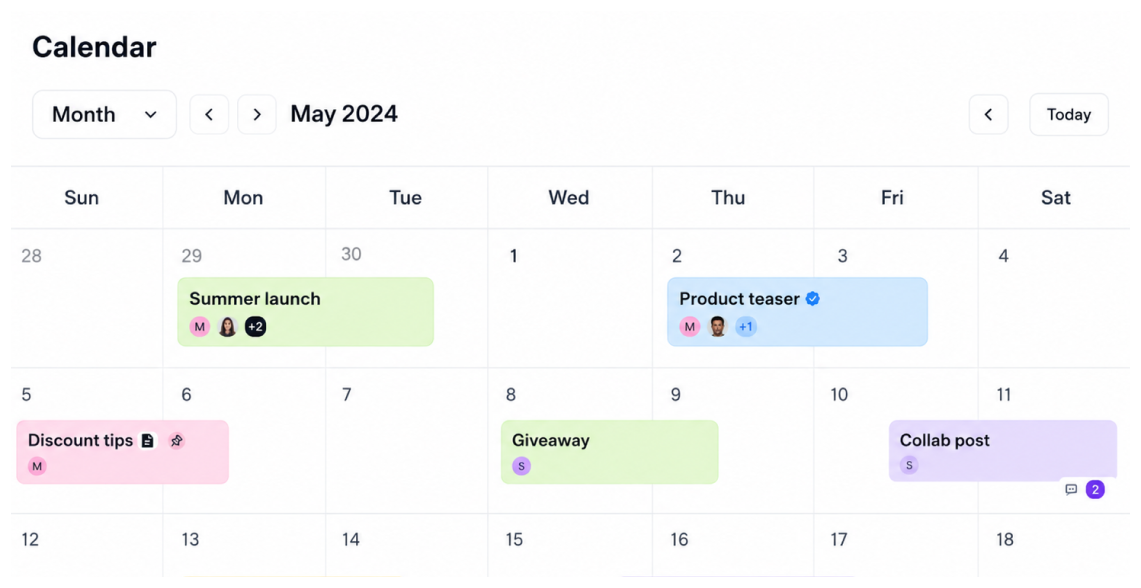
- Calendar view — Drag-and-drop scheduling across every platform, brand, and collab.
- Media library — Creative assets stored with your content, not in a folder maze.
- Tasks — To-dos that live on the same calendar as your content, so deadlines and posts share one view.
- Workspaces — A separate workspace per brand or client. One login, zero crossover.
- Notes — Tabbed notes for hooks, caption drafts, and client feedback, kept in the workspace they belong to.
- Feed preview — See your grid before the world does.
- Sheets — Built-in planning sheets. Map out your content slate row by row, then link any idea to a card on your calendar.
Collaboration and approvals
- Approval pipeline — Idea, drafting, needs edits, posted. Clear status at every step.
- Roles and permissions — Admin, editor, and viewer roles keep everyone in the right lane.
- Team assignments — Every card has an owner, so nothing falls through the cracks.
Analytics and reporting
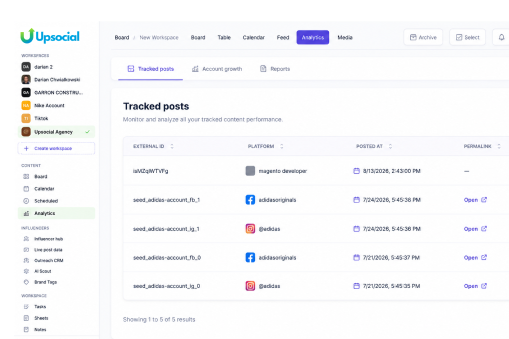
- Roll-up dashboards — Account-level trends without building a single report.
- Brand vs. influencer breakout — See exactly which content type is pulling its weight.
- Auto-collected metrics — Views, likes, comments, shares, saves, reach, and engagement rate flow in as posts go live.
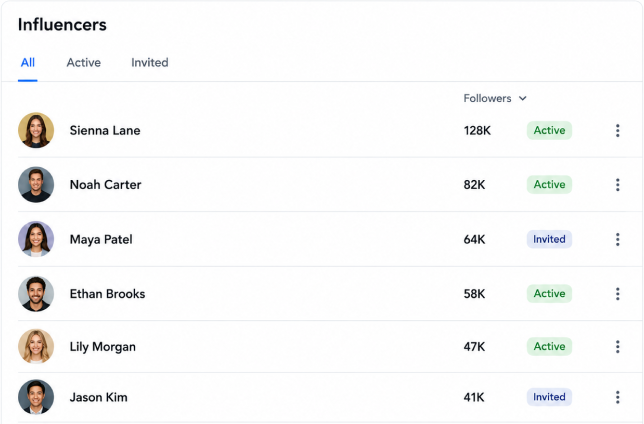
Influencer Hub
Influencer roster — Every influencer you work with, with platforms, follower counts, engagement rates, and current status.
Outreach CRM — A 10-stage pipeline from discovered to completed. Drag deals forward as they progress.
Live post data — Real-time stats on active collab posts, with flags when a post over- or under-performs.
One shared calendar — Collab posts appear on your main content calendar automatically, color-coded per influencer.
Content briefs — Agree on deliverables inside the influencer’s profile, where both sides can see them.
AI tools
- Outreach drafts — Personalized first DMs based on the influencer’s niche and recent posts.
- Follow-ups — Auto-drafted nudges when a conversation goes quiet.
- Brief generation — Content brief templates built from your past posts and campaign goals.
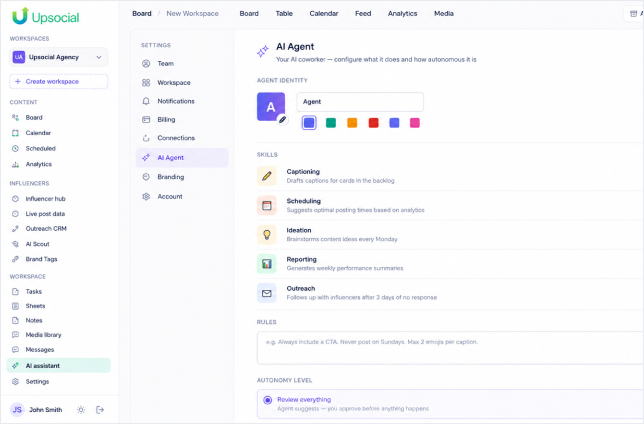
- Performance notes — Plain-language flags on what’s working and what isn’t.